On-page detection
Times on the page, converted in place. Hover, annotate, or replace — your call.
Synca spots dates and times on any web page and shows them in your local zone — daylight-saving aware, with a quick multi-zone converter built in.
Times on the page, converted in place. Hover, annotate, or replace — your call.
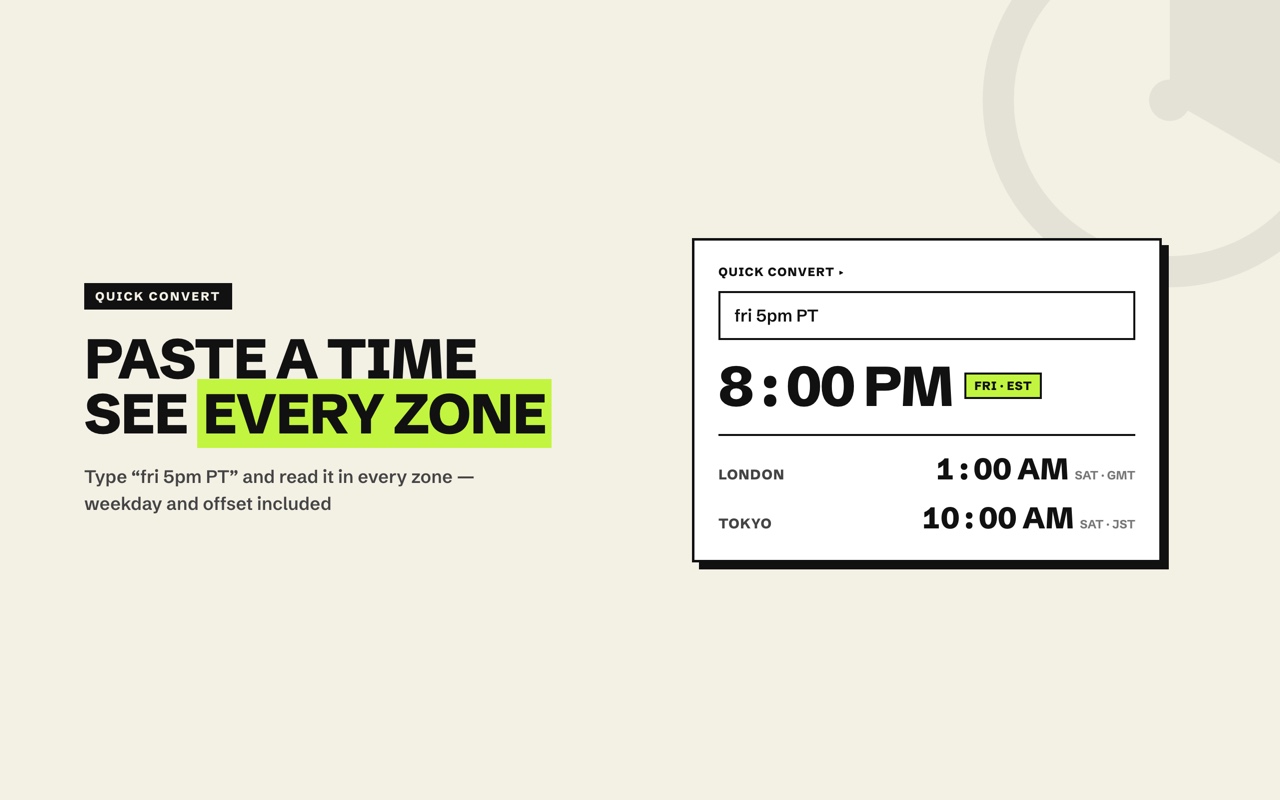
Paste “fri 5pm PT” and read it across every zone, instantly.
Keep New York, London, Tokyo — one glance away.
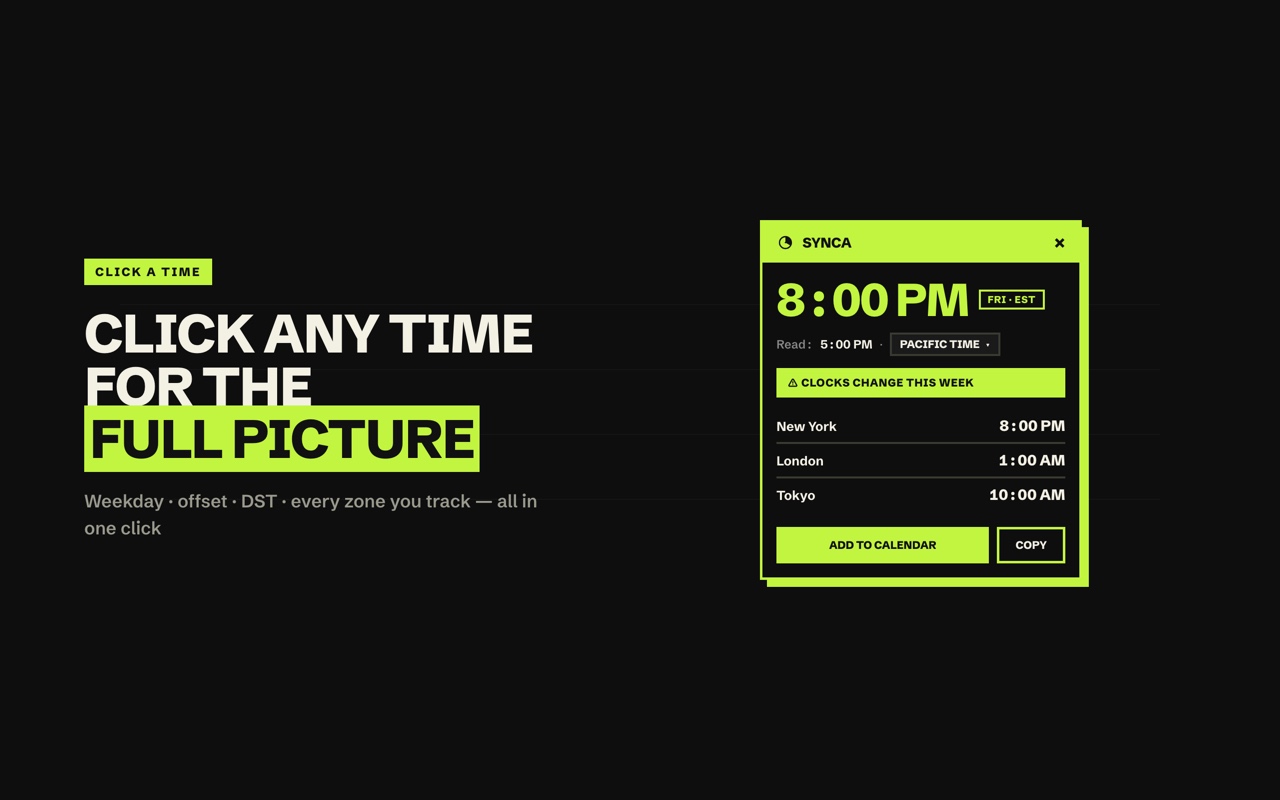
Warns you when clocks are about to change, so you never miss by an hour.
A sharp UI that follows your system theme. 12 or 24-hour.
Everything runs locally. No accounts, no servers, no tracking.
One click from the Web Store. No sign-up, nothing to configure.
Synca quietly detects dates and times wherever they appear.
Hover or click a time for the full breakdown across your zones.

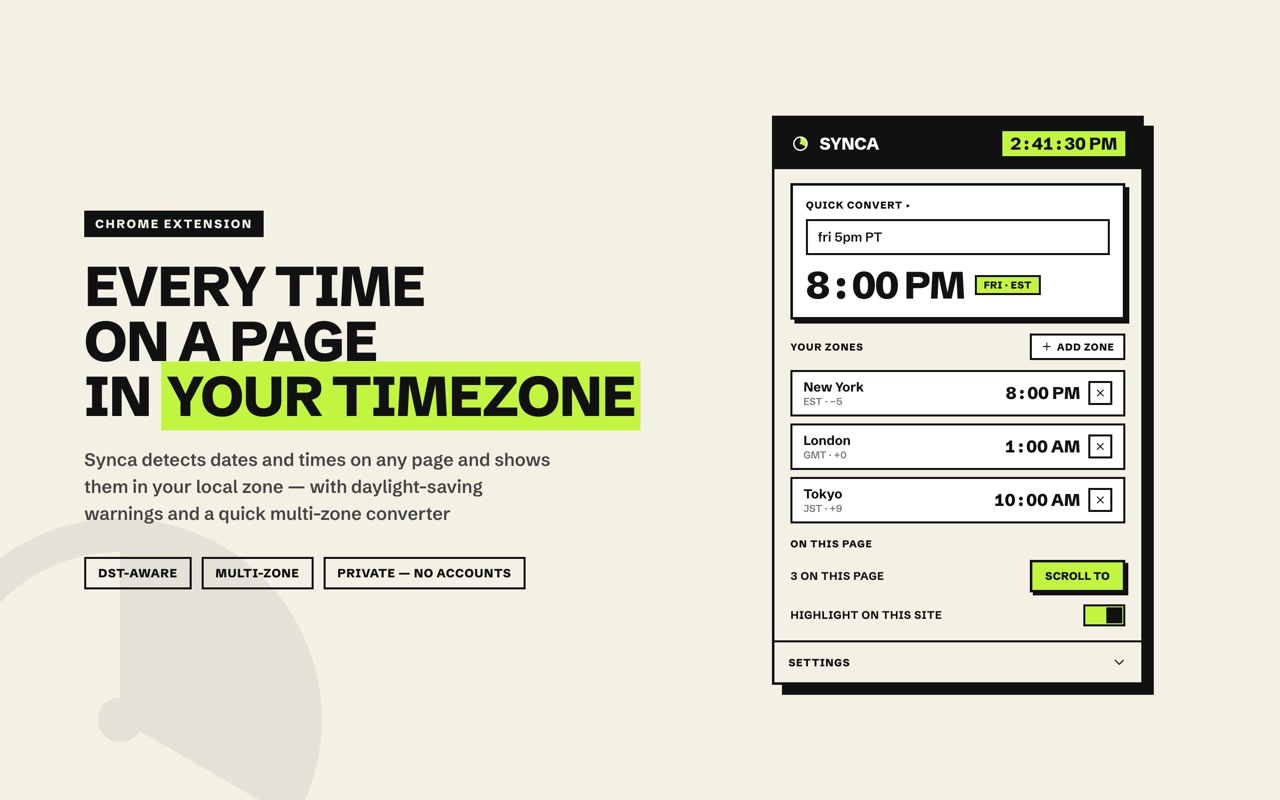
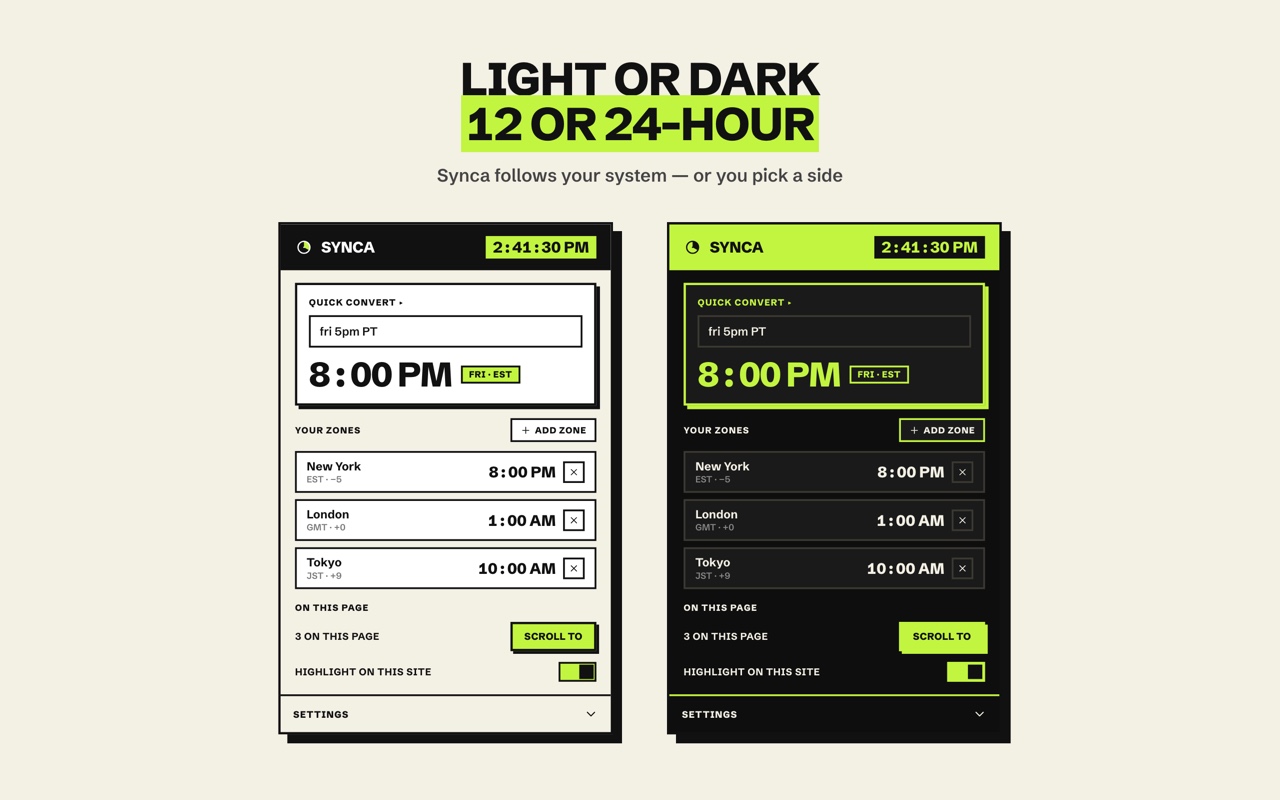
Synca follows your system theme out of the box, or you pick a side. 12 or 24-hour, your call — and a stable, tabular clock that never jitters.
Add to Chrome — freeYes — completely free, no accounts, no paywalls.
No. Everything is processed locally in your browser; nothing is sent to any server, and there is no tracking.
Any site — it detects times on the pages you visit and converts them on the spot.
Your system timezone by default; you can set an assumed source zone for ambiguous times.
Synca is DST-aware and warns you when a conversion crosses a clock change.
55 — every locale Chrome supports.